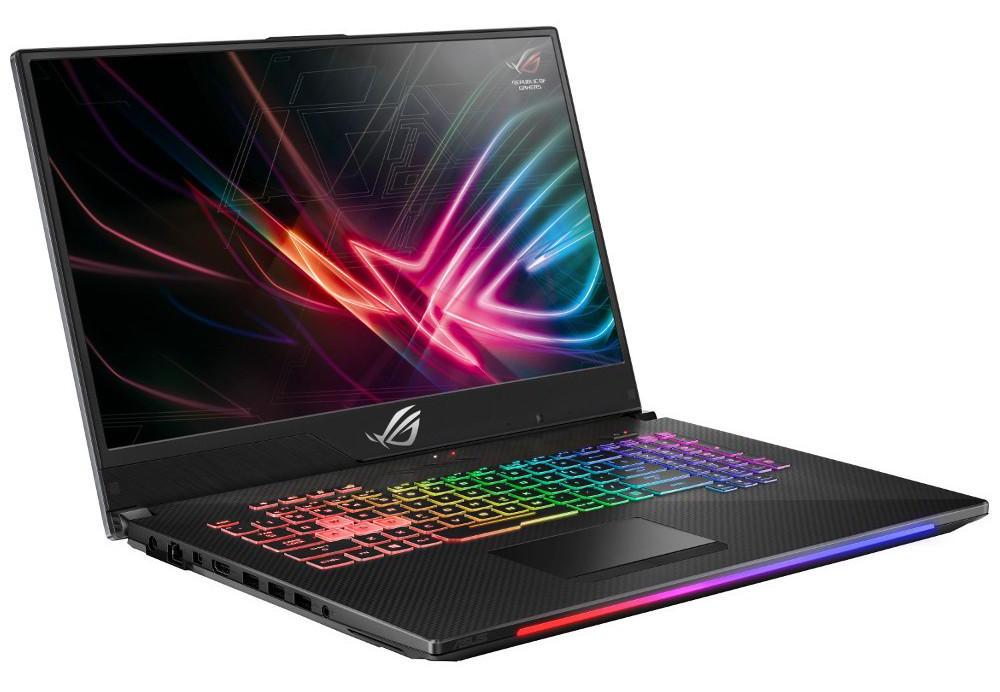
Problem: Many people think that an exceptionally powerful (and expensive) mobile workstation may be the only right choice for computer design.
Solution: With a little care and proper sorting of components, a significant amount of money can be saved when buying such a computer.
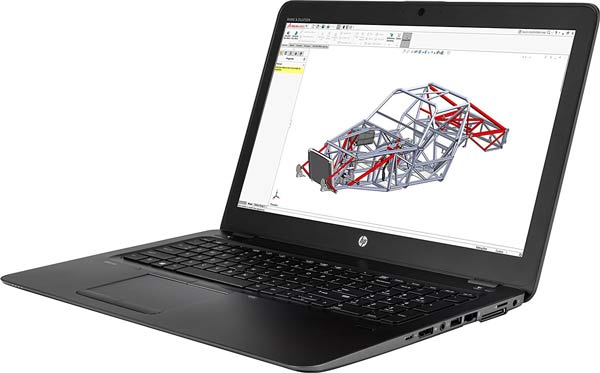
Technical background:
Graphic card: it is important
that a card with a separate nVidia processor should be choosen (no matter what
type). All CAD systems use the OpenGL graphics language, and this is best
supported by nVidia (since they bought the company that invented the OpenGL
language). The size of the video memory does not matter for CAD / finite
element systems. (It means that a lot of RAM does not help.) An integrated
Intel or AMD Radeon graphics card should be avoided.
Memory: minimum of 4 GB,
but 8 GB is much better.
Processor: Intel Core i5 is a
good choice, but Core i3 can also be appropriate. If there is a choice, high
speeds (operating frequencies) should be preferred instead of the many physical
processor cores. CAD systems are typically designed to run on only 1 processor
core. Of course, you can now use the other cores while running a simulation or
rendering a photo.
Screen size: MINIMUM 1600×900,
of course, full HD is also good. Do NOT buy a 1366×768 panel!
These are the
essential parameters. HDD capacity is not as important since CAD systems
usually require only 4-5 GB of space. Anything extra (SSD, Core i7 / i9
processor, professional graphics card like nVidia Quadro) can come in handy,
but you can work comfortably without them as well.
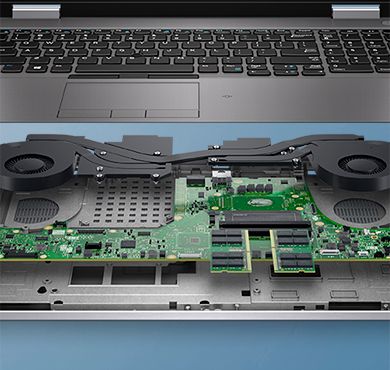
Due to the ever-changing market and various new modells yearly, it is almost impossible to define which is the best value for money laptop at the time of purchase, but even a brand is difficult to recommend. On the other hand, computers developed for gaming (gamer laptops) often meet the requirements mentioned above in such a way that the prices remain at an acceptable level.