


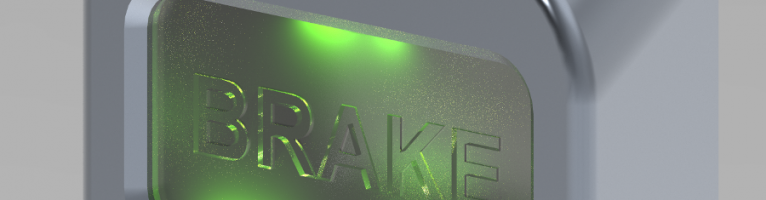
Problem: Burnt-in pixels appear in photorealistic images of light-emissive materials.
Solution: By increasing the size of light sources and reducing the resulting image this effect can be decreased significantly.
Theoretical background: The edge-lighting of transparent materials can be simulated well by using light-emissive surfaces. The 3D model shown in the pictures was made as a concept for a vehicle emergency brake cover. The model shows the effect of LED-based lighting on a transparent part.
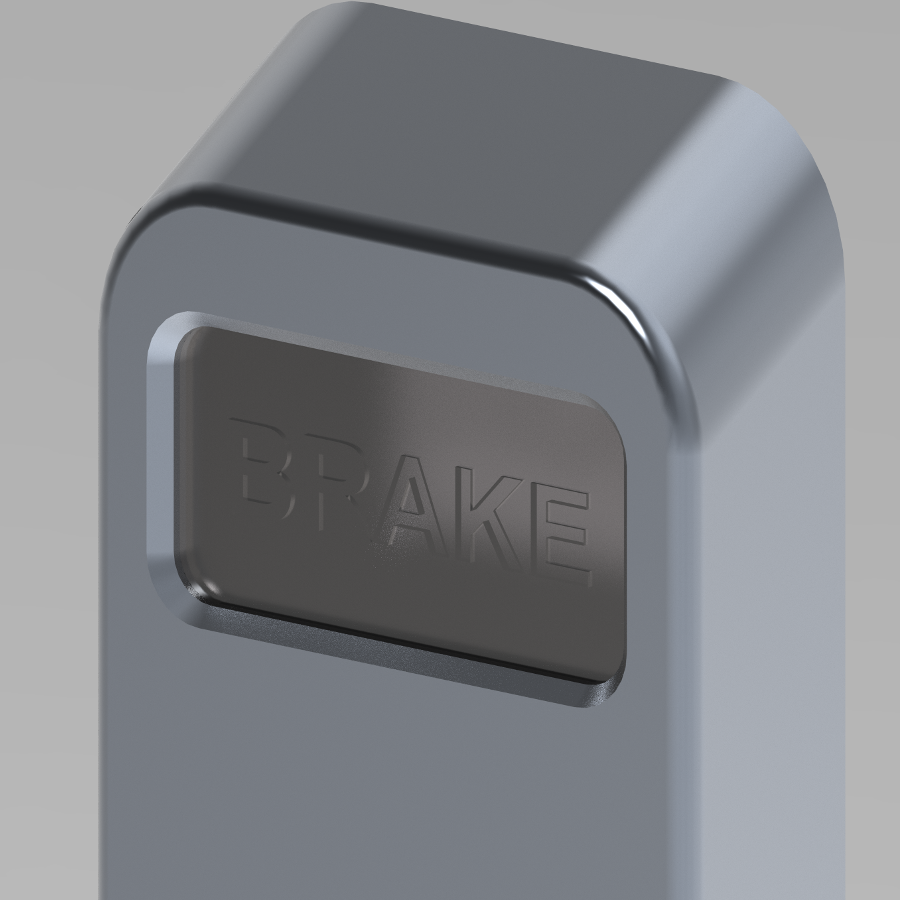
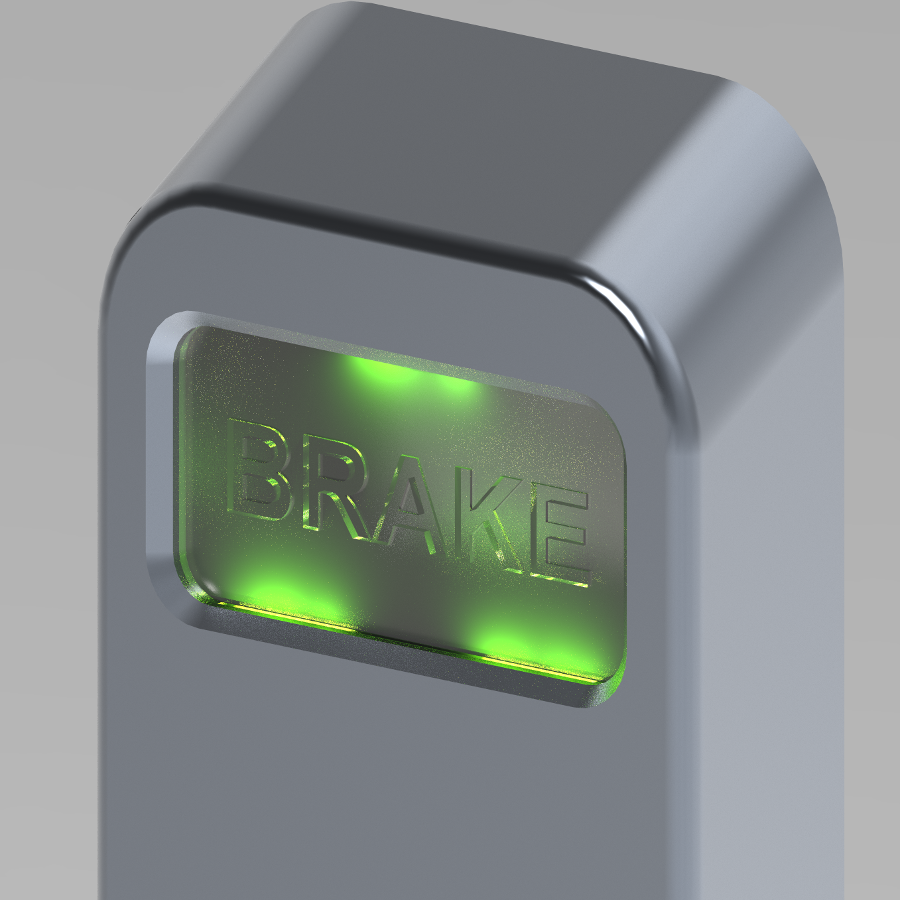
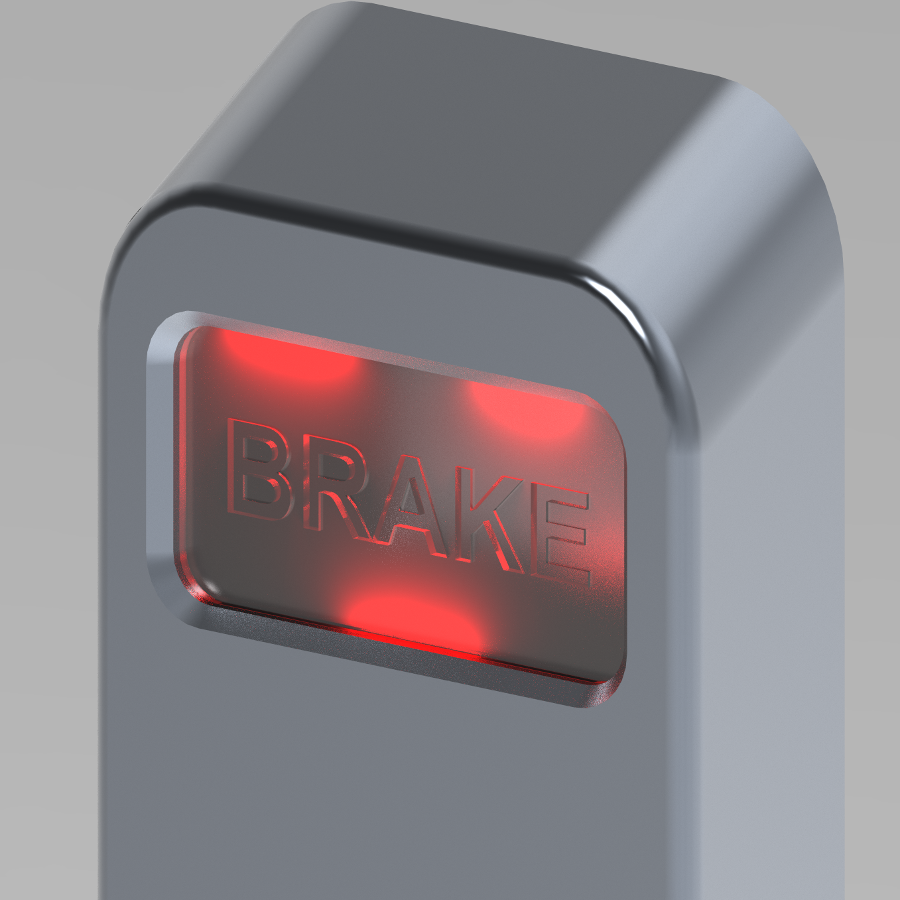
The illumination of the component is provided by green and red light-emissive materials set on the recessed surface in the edges.
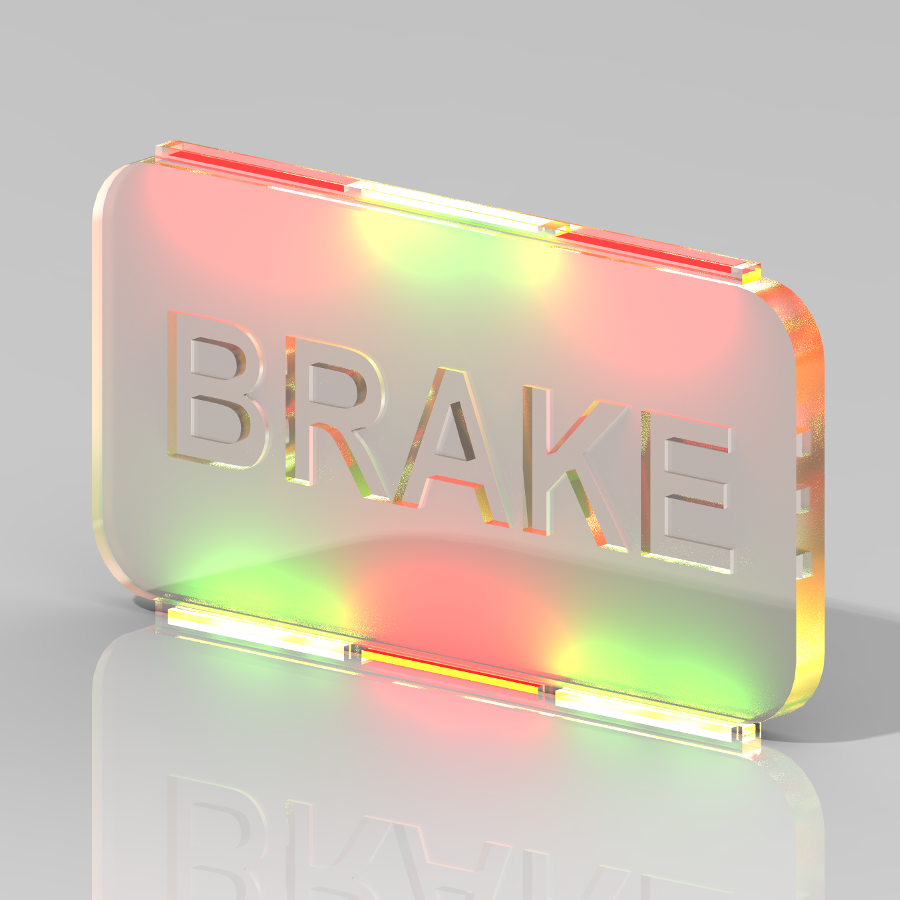
Unfortunately, most rendering programs have a problem in the form of burned, brightly-colored pixels in the image when using such light sources (these pixels are referred to as fireflies in the English literature). These cannot be eliminated simply by improving the quality of the rendering (by increasing the computed iterations, light reflections, and other parameters) because they are not directly related to the phenomenon causing the error.
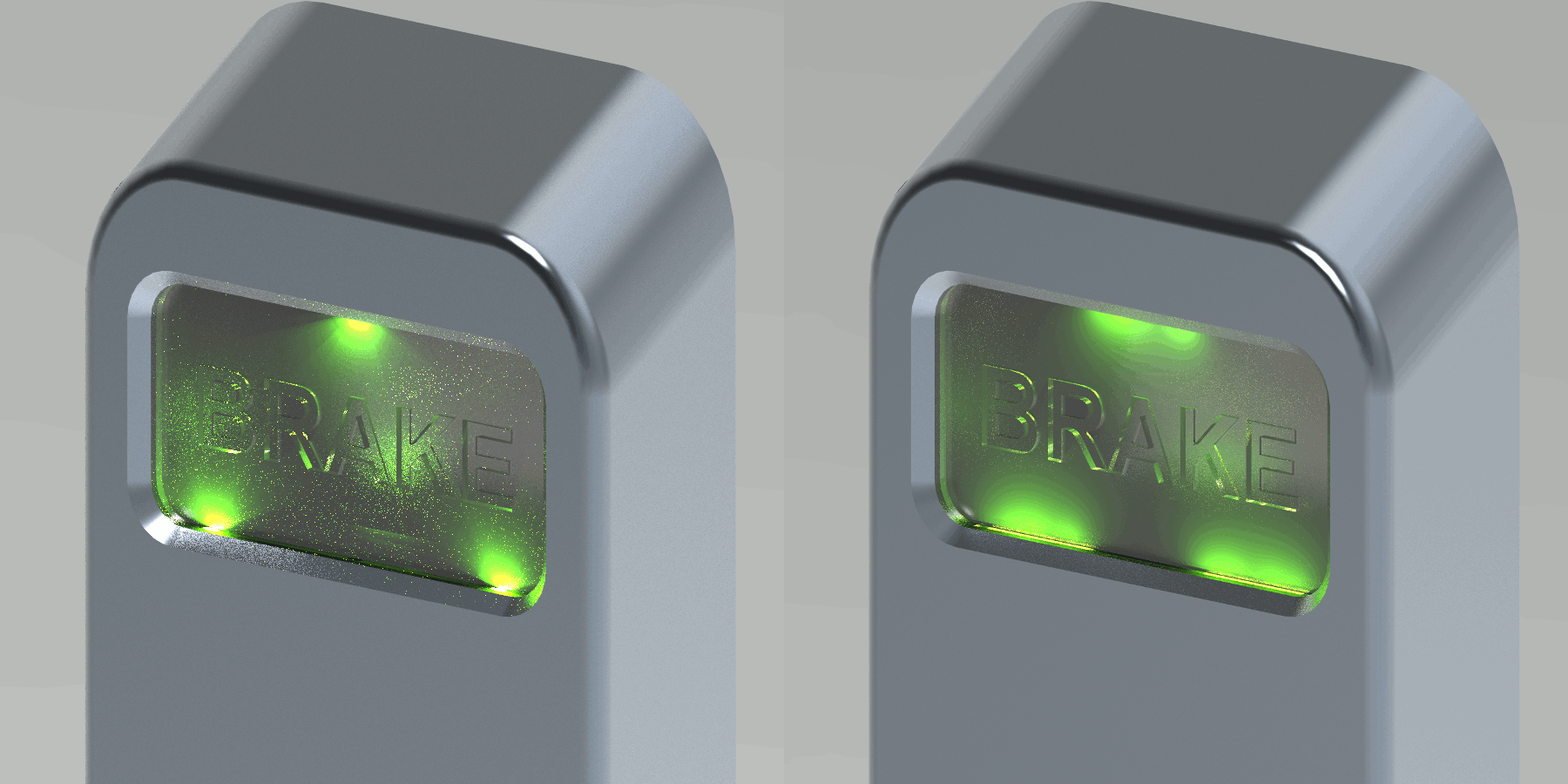
The problem is mainly caused by the small size of the light sources. It is especially difficult for the software to calculate the path of light and shadows it casts with a small illuminated surface. It is possible to significantly improve the quality of the computed image by increasing the extent of light-emissive surfaces. Increasing the quality of the shadows has a similarly good effect on the result. Finally, the number of remaining burn points can be decreased by the size-reduction of the image.